
Building or upgrading a gaming PC often sparks a heated debate amongst enthusiasts: should you spend more on the processor or splash out on a top-tier graphics card? The truth is, there's no simple one-size-fits-all answer, as both components play distinct yet interconnected roles in delivering the smooth, immersive gaming experience we all crave. Understanding how these two pieces of hardware work together, and where your budget is best spent, can save you from costly mistakes and disappointing frame rates.
Key takeaways
- The CPU and GPU play distinct roles, with the processor managing game logic and physics while the graphics card handles visual rendering and frame rates.
- While the GPU generally has a more noticeable impact on visual fidelity, an underpowered CPU can create a bottleneck that hampers overall system performance.
- Choosing between a CPU or GPU priority depends on the games you play, with strategy and simulation titles favoring the processor and action-heavy games relying on the graphics card.
- A well-balanced gaming PC requires harmony between components to avoid wasting performance potential on a system held back by a weaker link.
- CPU performance is dictated by core count, thread count, and clock speed, which are particularly critical for multitasking or streaming while gaming.
- Successful upgrades require careful consideration of component compatibility, including motherboard socket support, RAM speed, and ensuring the power supply provides sufficient wattage.
Understanding the Core Components: CPU vs GPU in Gaming Performance
The Role of the Processor in Your Gaming Rig
The processor, commonly known as the CPU, acts as the brain of your computer, handling everything from game logic to physics calculations and background tasks. Manufacturers like AMD and Intel dominate this space, each offering chips tailored to different budgets and performance needs. A capable CPU ensures that your system can feed data quickly enough to keep your graphics card working efficiently, preventing bottlenecks that can leave you with stuttering gameplay even if you've invested in premium hardware elsewhere. Whilst gamers often overlook the processor in favour of flashier graphics cards, a weak CPU can genuinely hamper your overall gaming performance, particularly in titles that rely heavily on artificial intelligence, simulation, or open-world mechanics with numerous moving parts.
How graphics cards transform visual gaming quality
On the other side of the equation sits the graphics card, or GPU, which is responsible for rendering the stunning visuals that make modern games so captivating. Brands such as GeForce from Nvidia and Radeon from AMD have become household names amongst PC gamers, each pushing boundaries with better textures, lighting effects, and higher frame rates. The graphics card handles the heavy lifting when it comes to displaying detailed environments, character models, and special effects, meaning that if you're chasing that buttery-smooth visual experience or want to game at higher resolutions, this is often where your investment should be concentrated. It's fair to say that for the majority of gamers, the GPU tends to have a more immediately noticeable impact on the visual fidelity and playability of games compared to the CPU.
Balancing your budget: which component should you prioritise for gaming?
Assessing game requirements: cpu-intensive vs gpu-dependent titles
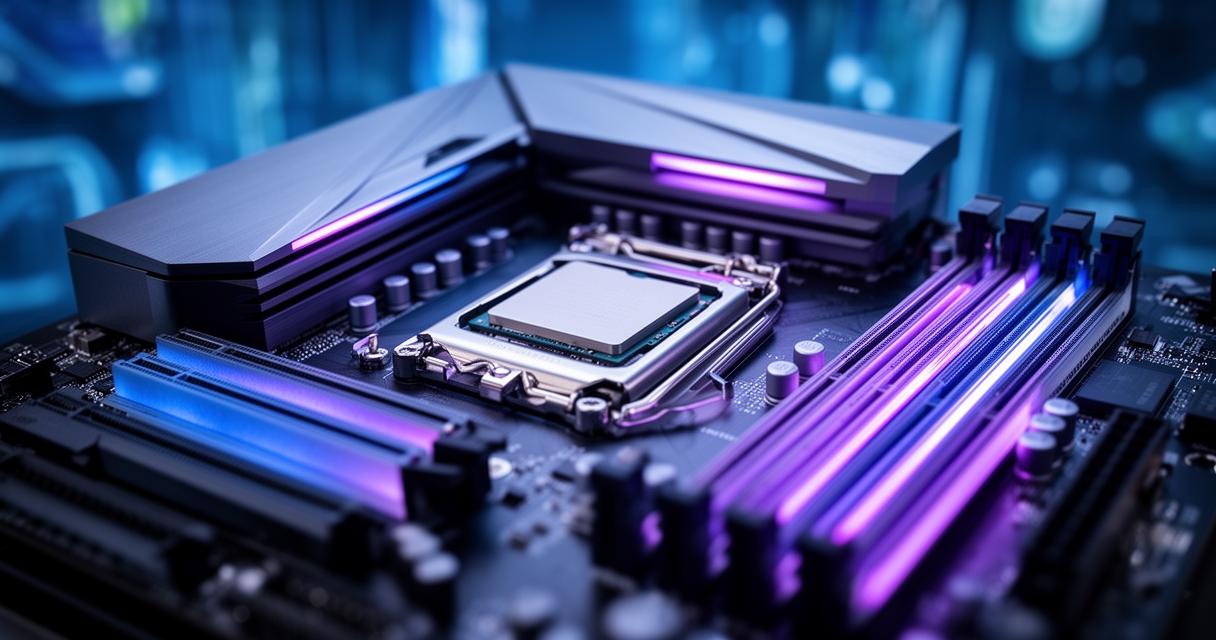
Not all games are created equal when it comes to hardware demands. Strategy games, simulation titles, and those with complex AI systems tend to lean more heavily on the processor, whilst graphically intensive shooters, open-world adventures, and titles with ray tracing capabilities will push your graphics card to its limits. Before deciding where to allocate your funds, it's worth considering which genres you play most frequently. If you're someone who enjoys sprawling city-builders or turn-based strategy games, a stronger CPU might serve you better. Conversely, if cinematic visuals and high frame rates in action-packed titles are your priority, the graphics card deserves the lion's share of your budget.
It's also worth mentioning that many gamers overlook their power supply unit when planning upgrades, yet ensuring you have adequate wattage to support a new graphics card or processor is absolutely essential for stability and longevity.
Making smart upgrade decisions within budget constraints
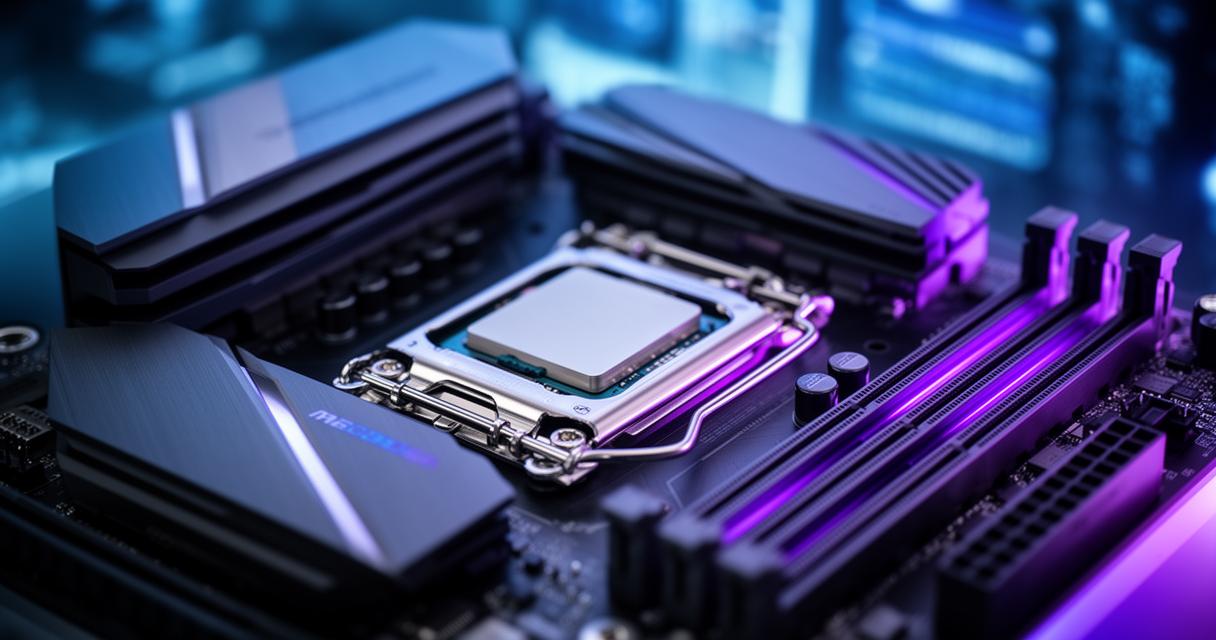
When funds are limited, prioritising wisely becomes crucial. A common piece of advice amongst PC building communities is to invest more heavily in the graphics card if you're building a dedicated gaming machine, since it has the most direct impact on visual performance and frame rates. However, pairing a brilliant GPU with an outdated or underpowered CPU can create a bottleneck, wasting potential performance you've paid for. The key is finding a sensible balance where neither component significantly outperforms the other, ensuring your system runs harmoniously rather than being held back by a weaker link in the chain.
Technical specifications that matter: cores, threads, and clock speeds
Processor specifications: core count, thread performance, and frequency explained
When shopping for a processor, you'll encounter terms like core count, thread count, and clock speed, all of which influence how well your CPU handles gaming and multitasking. More cores generally mean better performance when running multiple applications simultaneously, such as streaming whilst gaming, whilst threads allow each core to handle multiple tasks at once, improving efficiency. The frequency, measured in gigahertz, indicates how quickly your processor can execute instructions, and for CPU-intensive games, a higher clock speed often translates into smoother performance and reduced lag during demanding scenes.
Compatibility considerations: motherboard selection and memory requirements
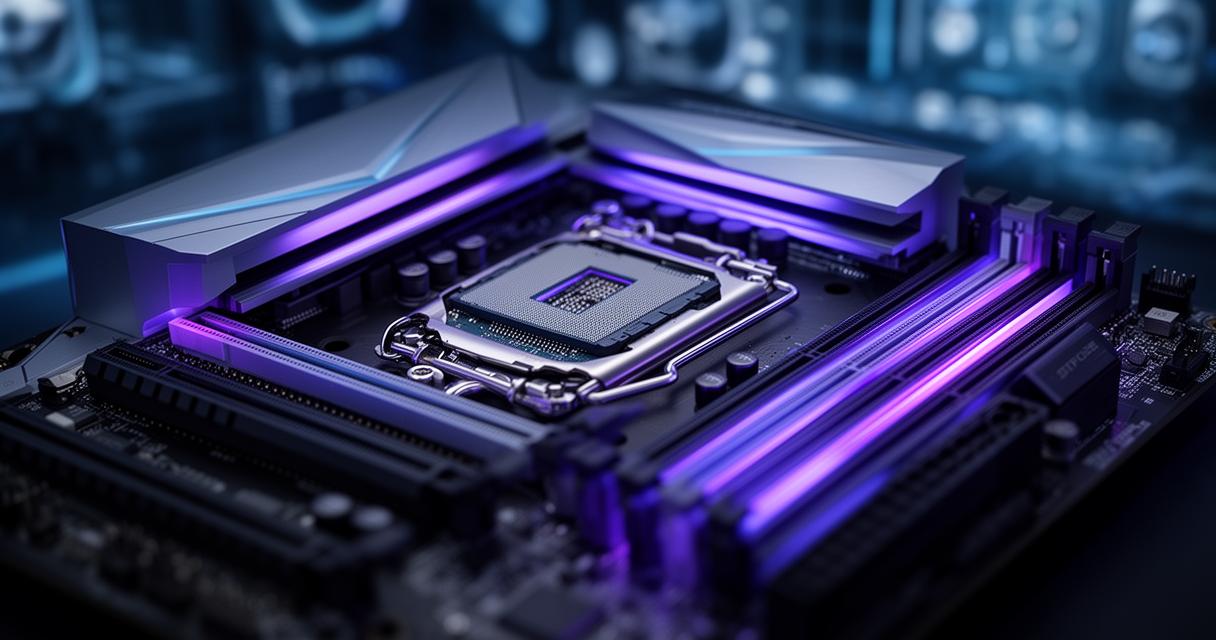
Choosing the right components isn't just about picking the most powerful CPU or GPU available; compatibility plays an enormous role in your build's success. Your motherboard must support your chosen processor's socket type, and it's worth checking that it has sufficient connectivity for your graphics card as well. Alongside this, RAM speed and capacity contribute significantly to your overall gaming experience, as insufficient or slow memory can create bottlenecks regardless of how powerful your CPU and GPU are. Considerations to keep in mind include:
- Ensuring your motherboard chipset supports your processor generation
- Checking RAM compatibility and opting for sufficient capacity, typically sixteen gigabytes for modern gaming
- Verifying your power supply can handle the combined wattage of your components
Ultimately, building a well-balanced gaming PC requires thoughtful consideration of how the processor and graphics card work together, rather than treating them as separate, competing priorities. By understanding your gaming habits, setting a realistic budget, and paying attention to compatibility, you'll be well-equipped to make informed decisions that result in a machine capable of delivering the performance you're after.