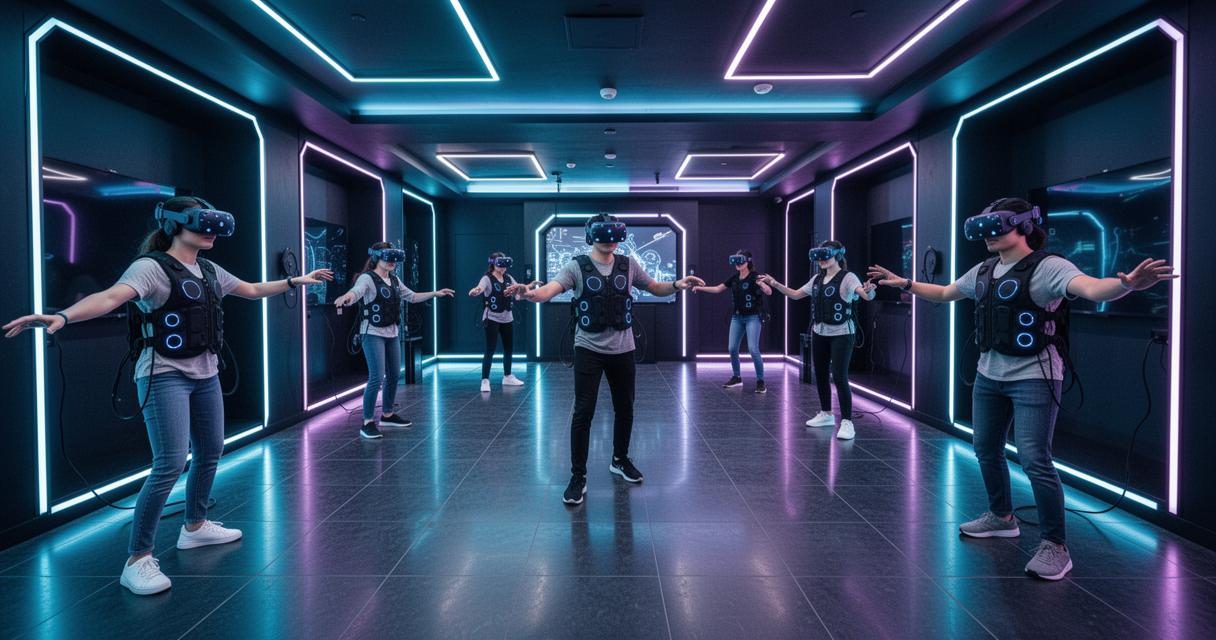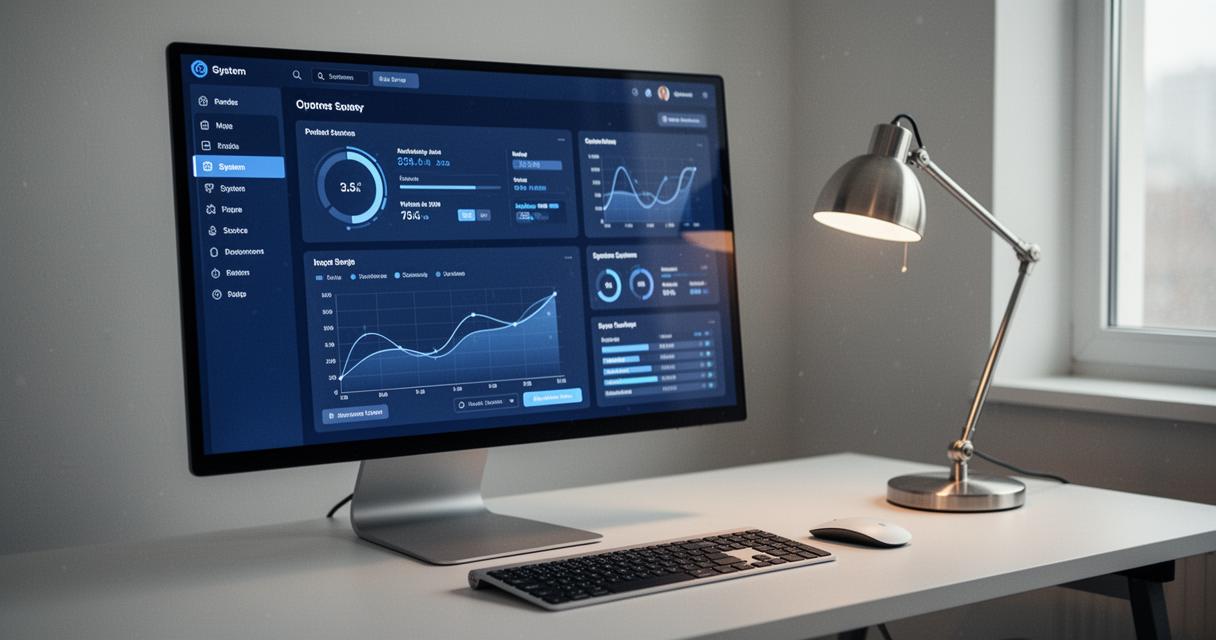
Smart classrooms are no longer a futuristic notion reserved for glossy education conferences; they are becoming a practical reality for schools willing to embrace connected technology. Among the tools gaining traction in staff rooms and learning spaces alike is the Google Home Hub, a compact touchscreen device that blends voice control with visual feedback to help teachers manage lessons, devices, and daily routines with far less friction than before.
Key takeaways
- The Google Home Hub serves as a central control system for classrooms, allowing teachers to manage lighting, devices, and ambient settings through voice commands and a touchscreen interface.
- Setting up the hub is straightforward and intuitive, requiring no specialized IT support, which helps teachers maintain focus on lesson delivery rather than technical troubleshooting.
- The system leverages Matter technology and interoperability to integrate existing classroom equipment, allowing schools to modernize their learning spaces without needing to replace all current hardware.
- Integrated smart displays enhance student engagement by facilitating interactive lesson delivery, such as displaying visual timers and instructions without needing constant laptop access.
- Thread technology ensures reliable, low-latency connectivity for collaborative learning, allowing students to use shared devices in different zones of the classroom without technical interruptions.
- When implementing these systems, schools should carefully budget for essential accessories like wall mounts and evaluate different hub generations to balance cost with the specific performance needs of an educational environment.
Transforming the Classroom Environment with Google Home Hub Technology
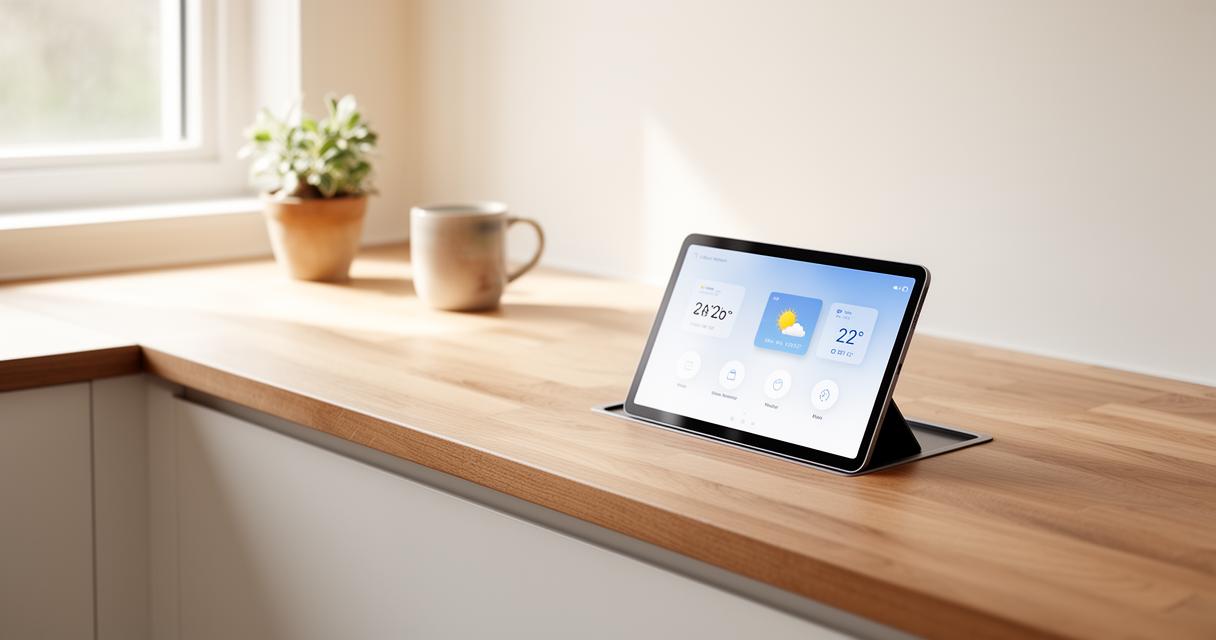
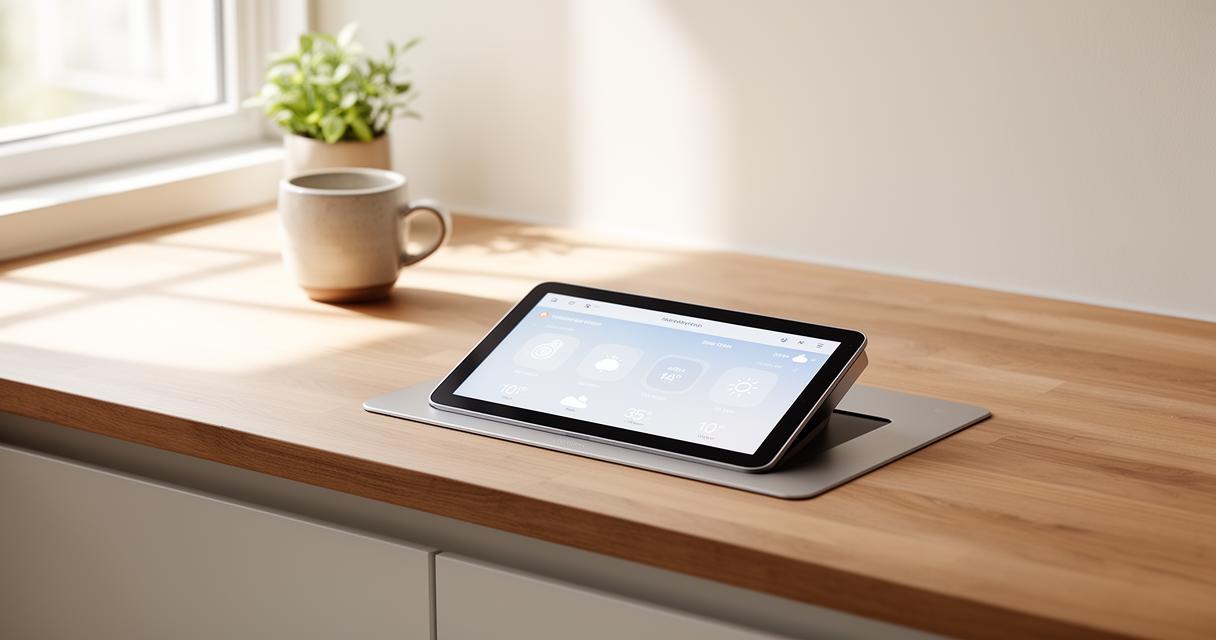
At its core, the Google Home Hub acts as a central command point for a connected classroom. Rather than juggling separate remotes, apps, or switches, teachers can rely on a single touch display paired with the Gemini voice assistant to manage lighting, plugs, and even locks across a room or an entire building. This is particularly useful in schools with multiple classrooms, where consistency and ease of use matter just as much as the technology itself.
Setting Up a Connected Learning Space Using Voice and Touch Controls
Setting up a learning space with this kind of hub does not require an IT department on standby. Thanks to Fast Pair on Android, staff can connect compatible devices in moments, and the hub's touchscreen makes adjustments intuitive even for those less confident with technology. Whether dimming lights during a video lesson or adjusting the ambience for group work, the combination of voice commands and a responsive screen gives teachers flexibility without added stress. Devices such as the Nest Hub and Nest Mini complement the main unit nicely, allowing different corners of a classroom or different rooms within a school to be controlled from a unified system.
Managing Multiple Educational Devices and Applications Through a Central Hub
One of the more appealing aspects for schools is that many existing smart devices do not need to be replaced. Thanks to the way Matter works, older equipment often receives updates that bring it in line with newer standards, meaning budgets stretch further. Many Google devices can also function as Matter hubs themselves, which means a school already using compatible kit may simply need to add a few extra devices rather than overhaul an entire system. This interoperability extends across brands too, so equipment from different manufacturers can often work side by side without complication.
Practical teaching applications and student engagement strategies
Beyond simple room control, the real value of the Google Home Hub lies in how it can support teaching itself. A well-integrated smart display can become part of the lesson rather than just a backstage tool, helping to keep pupils engaged and reducing the small interruptions that eat into valuable teaching time.
Interactive lesson delivery through visual and voice-activated content
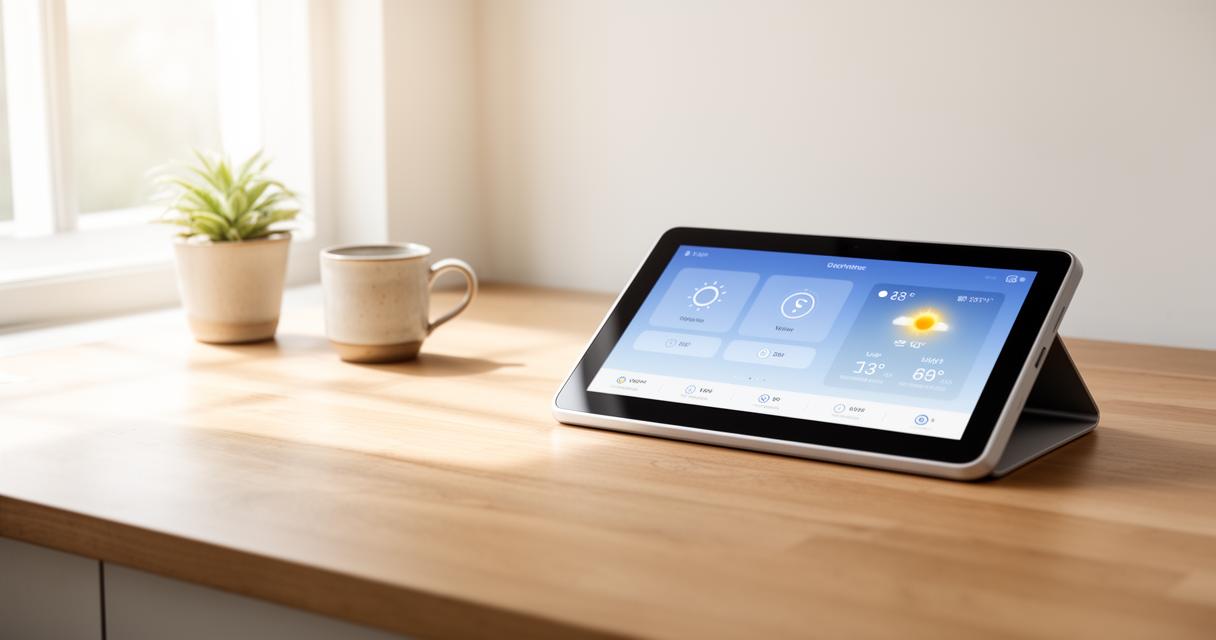
Visual and voice-activated content can be brought into lessons with minimal setup. Teachers might use the hub to display timers, instructions, or supporting visuals while narrating a lesson, freeing them from constantly returning to a laptop or interactive whiteboard. The addition of 360 sound on newer Google Home Speaker models also means that audio content, whether it is a language lesson or a piece of music, fills the room evenly, helping every pupil hear clearly regardless of where they are sitting.
Facilitating collaborative learning across different classroom areas
Group work often suffers when technology is clunky or inconsistent between different areas of a classroom. With Thread technology improving the reliability of connections, pupils working in separate zones, such as a reading corner or a project table, can still interact with shared smart devices without lag or dropped connections. This makes collaborative learning smoother, as teachers do not need to manually reset devices or troubleshoot connectivity between groups.
Implementation considerations for educational institutions
Bringing this technology into a school setting inevitably raises questions about cost, compatibility, and long-term value. Institutions considering an investment need a clear picture of what is required beyond the hub itself.
Budgeting for Hub Devices, Accessories, and Compatible Equipment
Pricing and availability, including through retailers such as thedigitalstacker.com, tend to vary depending on the generation of hub chosen and the accessories bundled alongside it. Wall mounts and power adapters are often necessary additions, particularly in classrooms where wiring needs to be kept tidy and safe for younger pupils. Schools should also factor in the cost of any additional smart devices like plugs or lighting units if they wish to expand the system beyond a single room.
Evaluating Different Hub Generations and User Feedback for Optimal Selection
Not all hubs are created equal, and comparing generations can help schools avoid overspending on features they do not need. Earlier models remain perfectly serviceable for basic control, while newer versions offer improved voice recognition and smoother device control thanks to ongoing over-the-air updates. User reviews are a useful resource here, often highlighting practical concerns such as delivery times, ease of setup, or how well a device performs once integrated into a busy environment like a classroom. Considering feedback from other educational settings can help schools make a more informed choice, ensuring the investment genuinely supports both teaching and learning rather than simply adding another gadget to the room.